Make your school calendars usable
Using calendars in schools is hard. They're incomplete and unreliable, missing data that lives in other systems. And when calendars aren't usable, everyone feels it.
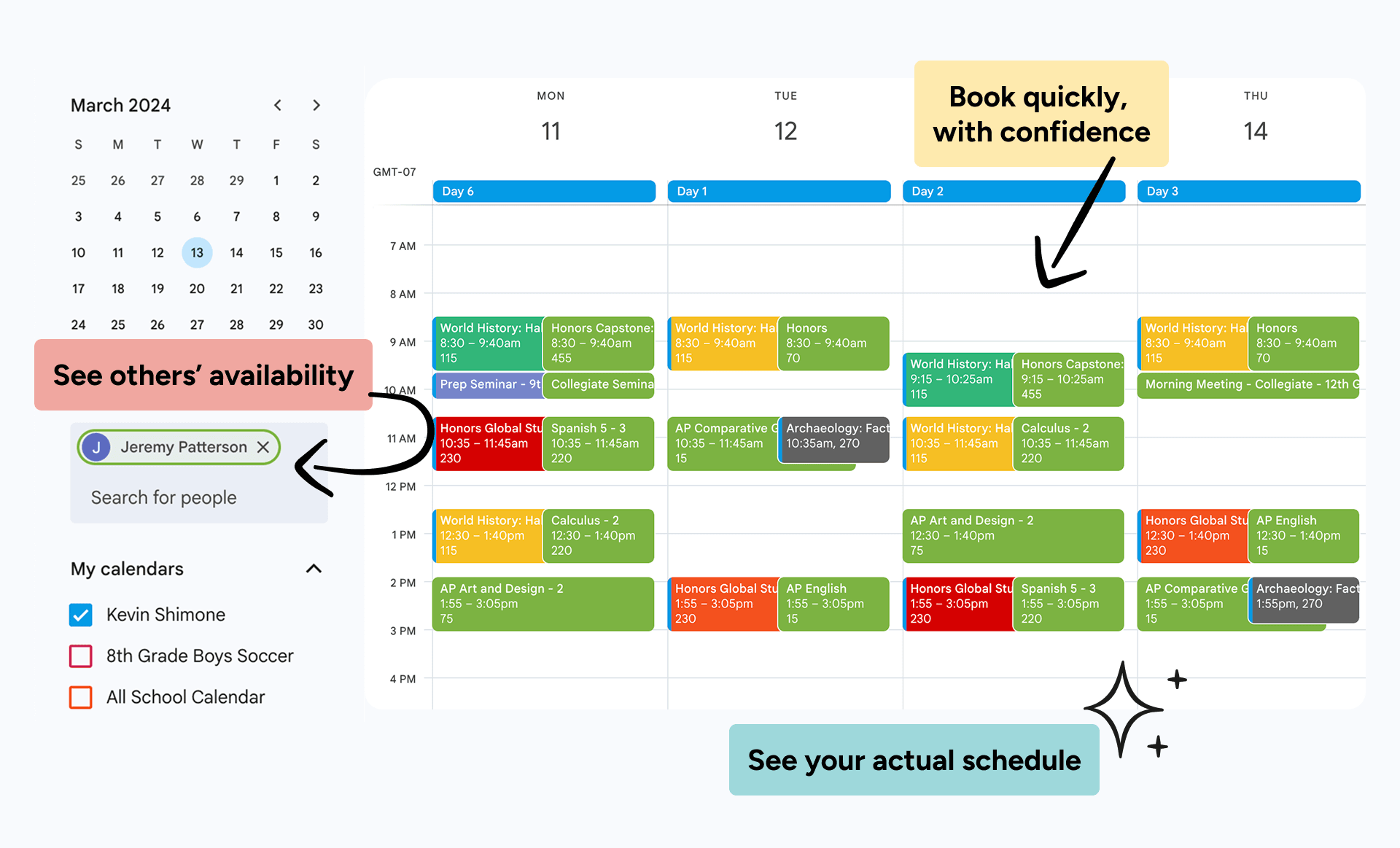
SchoolCal fixes this by automatically syncing data to school and user calendars via APIs. So everyone can reliably view schedules, see availability, book meetings, and reserve spaces.
Hundreds of schools use SchoolCal for more complete, reliable calendars.






































































































































































































































































































Your users can't use their calendars...
Because they can't see when others are available, what rotation day it is, or what rooms are available. That information is stuck behind the SIS or FMX.
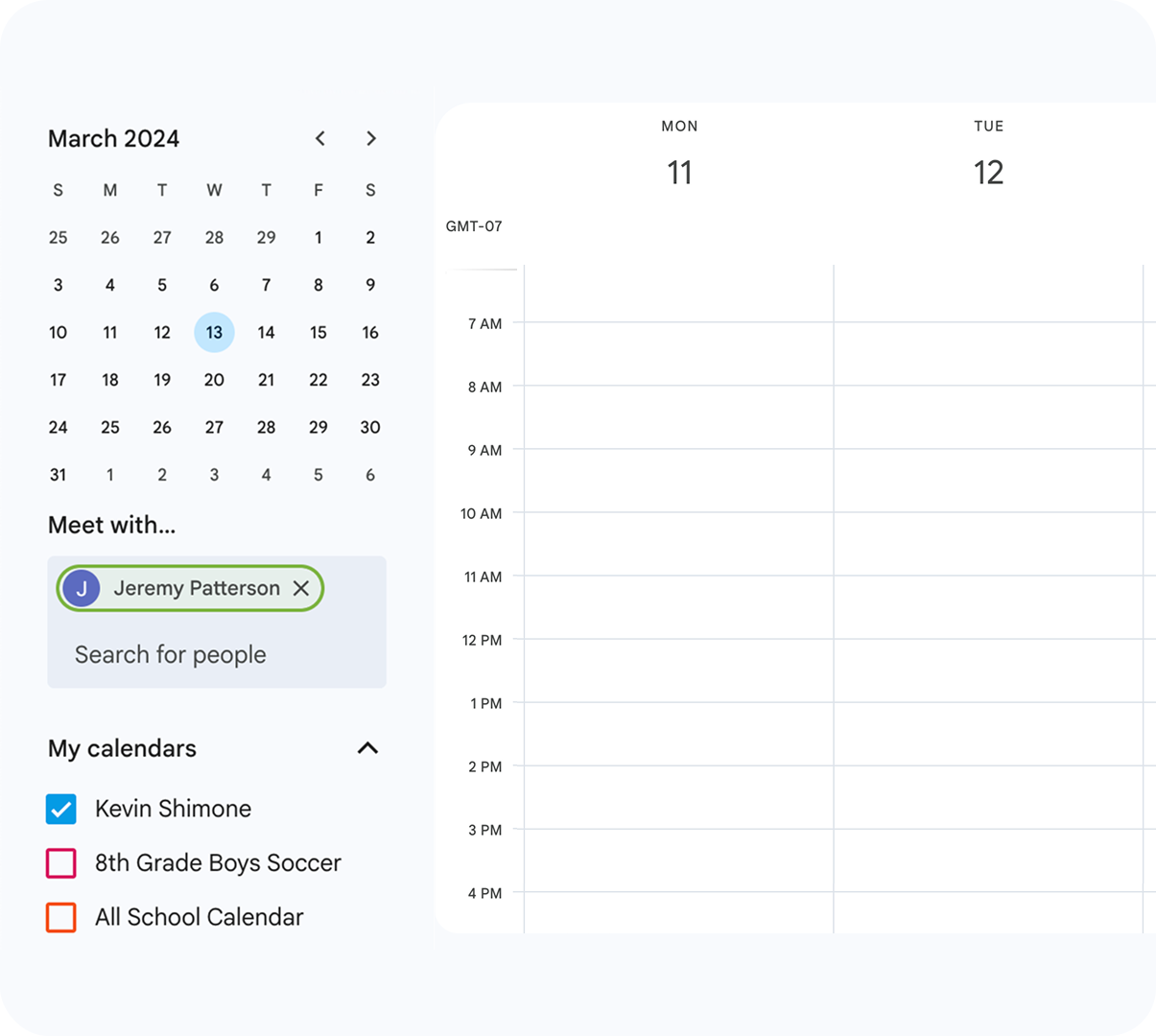
When calendars can't be used, everyone's day gets harder.
The schedules and events users need to see are in your SIS or FMX, not their calendars. The result:
SchoolCal lets you sync the schedules users need to see.
Automatically sync the schedules or events users need to see right to their primary calendars.
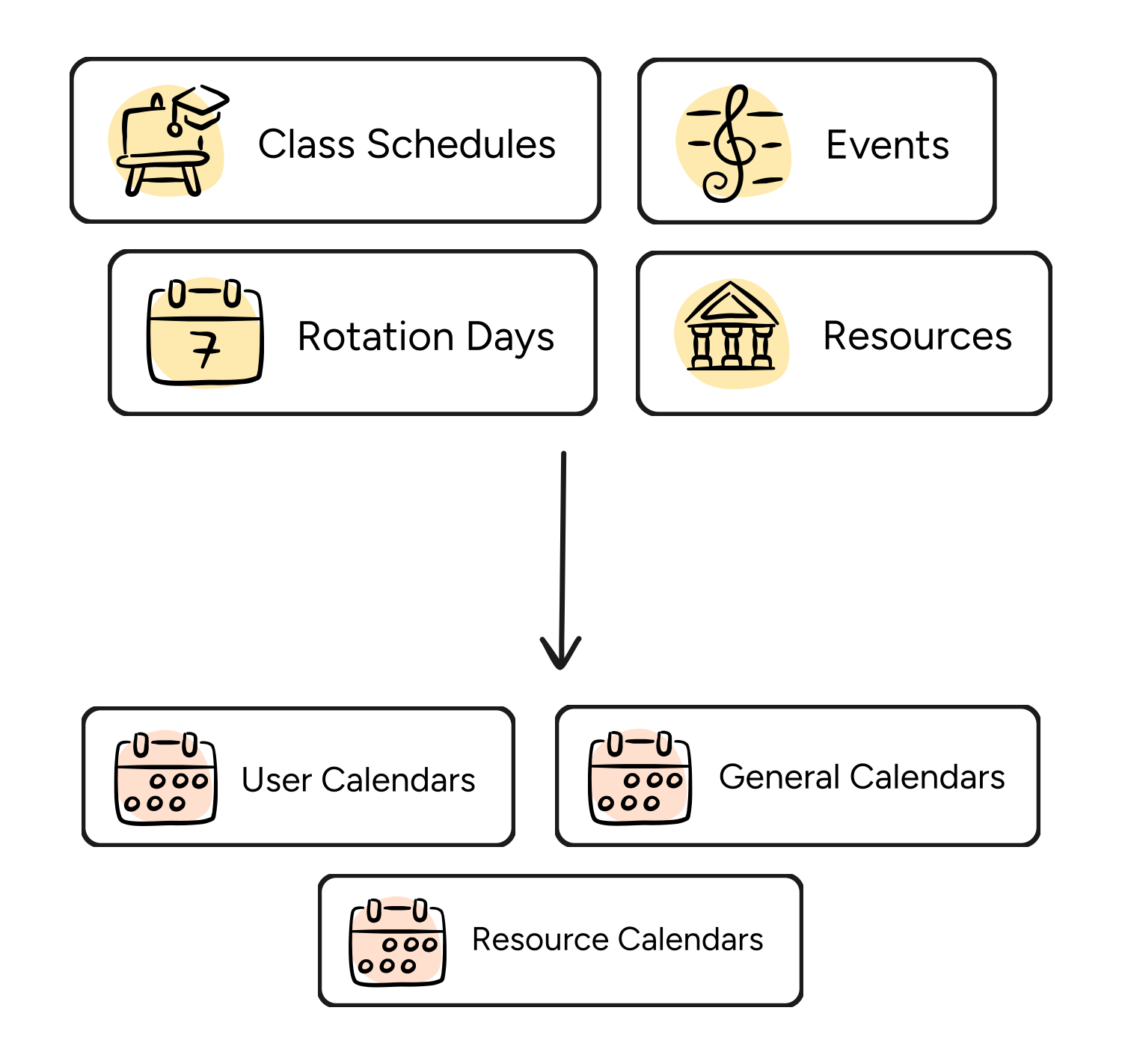
So calendars become usable, and friction is removed.
Users can see the availability, schedules, and events they need. The result...
Explore the features
Sync SIS schedules to school calendars
Sync faculty, student and room schedules from your SIS to user or resource calendars via API.
Customize events
Customize event titles, colors, descriptions, visibility, guest settings, and meeting URLs.
Choose sync frequency
Sync certain data as often as every 15 minutes, or trigger a manual sync anytime to provide instant updates.
User-Specific Class Filters
Choose which classes sync, then fine-tune each one — filter by date, block, day, or time.
Notifications
Get notified when a sync job succeeds, fails, or hits an error.
Push calendars to users
Automatically add shared school calendars to the right users' calendar lists.
Sync History
View a full history of everything that's been synced.
Pilot Mode
Test your sync on a few accounts before pushing it out school-wide.
User Sync Preferences
Let users set colors and notification preferences for their synced events.
SchoolCal vs iCal
Most calendar sync solutions use iCal feeds, so events are added to "overlay" or "secondary" calendars. This means individual users can see they're busy, but nobody else can. So users still can't find meeting times, rooms still get double-booked, and calendars still can't be trusted.
SchoolCal syncs directly to users' primary calendars using Google and Outlook's native APIs. Events actually impact free/busy status, availability is visible in real-time, and your scheduling tools finally work the way they should.
With iCal feeds
Inconsistent sync times — if you change details or locations last minute, your attendees may show up at the wrong spot
Doesn't impact users' free/busy status — you can see your schedule, but others can't, leading to scheduling conflicts and double bookings
Less granular filtering — you have less control over who you share with, and what metadata you display
With SchoolCal
Sync automatically, and on-demand — if events change last-minute, just push the change out on-demand
Show users' actual availability — sync events to users' primary calendars so they and others can see when they're actually free/busy
Customize how events display — select who you want to sync to, and the metadata you want to display so recipients have the details they need
FAQs
How is Calendar Manager different from my SIS iCal feed?
Your SIS probably lets you download an iCal feed. The problem is, each staff member or student needs to download their own feed and upload it to their calendar… every time their schedule changes. Besides being a ton of manual work, iCal feeds also aren't publicly visible to the rest of your organization. Which means the individual student or staff member will see that they're busy, but nobody else will. So your staff can't see real-time availability or know when to book them.
How long does Calendar Manager take to set up?
Very quickly. Most schools are onboarded and set up in about 20 minutes.
How long does it take to sync my school's events the first time?
Usually 2-3 hours, depending on the amount of event data you need to sync. Event syncs are limited to small batches by Google and Outlook, but SchoolCal will continue processing them until they're complete. Each sync after that typically takes 10 minutes or less.
Does SchoolCal have to do a full sync each time?
No, it only looks for new updates or changes to your events.
How does event color coding work?
The event colors are inherited by the user's Google calendar settings.